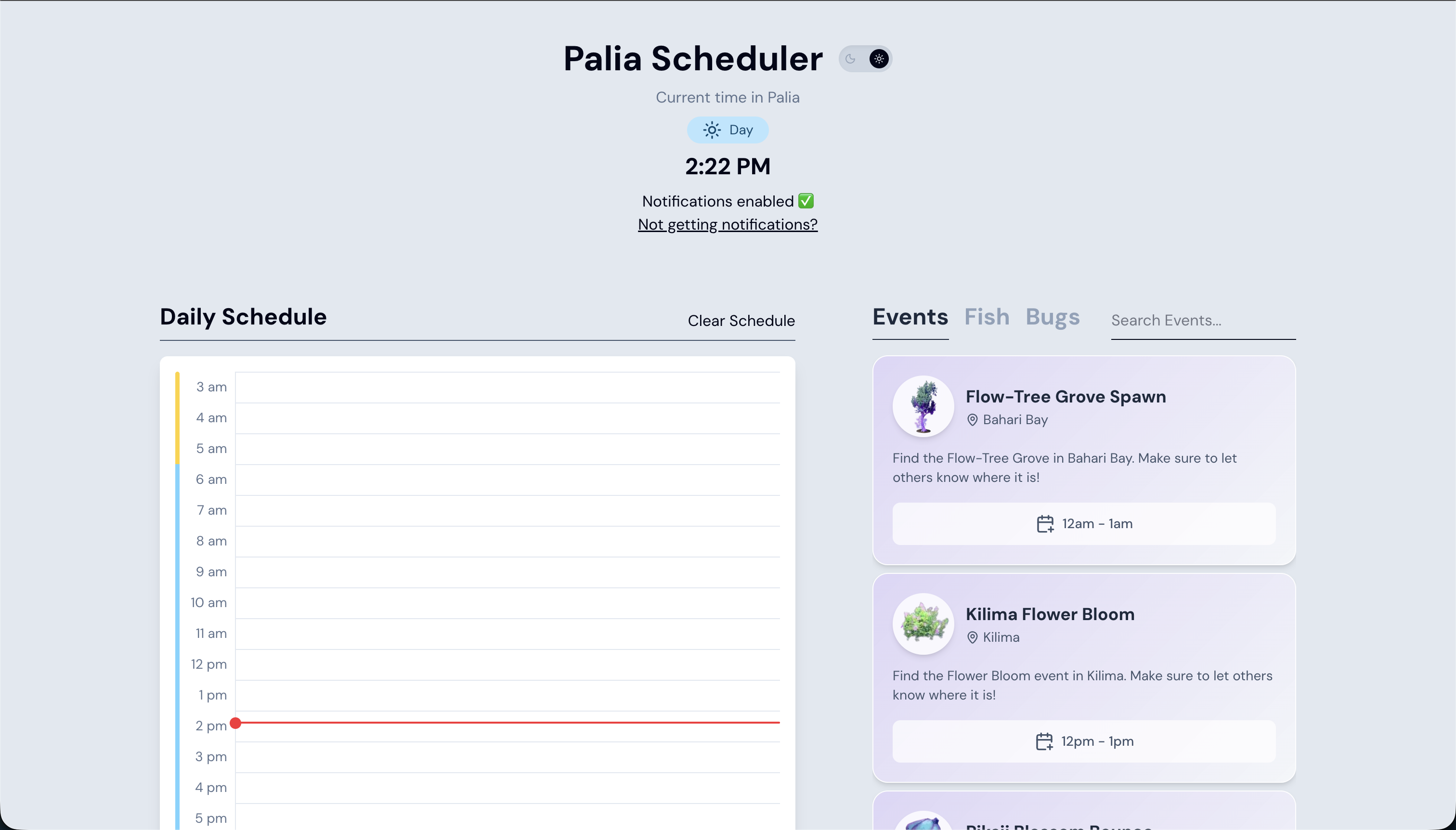
Overview
Palia Scheduler allows users to schedule in-game activities to be notified when they're about to go live.
Screenshots
Scheduling
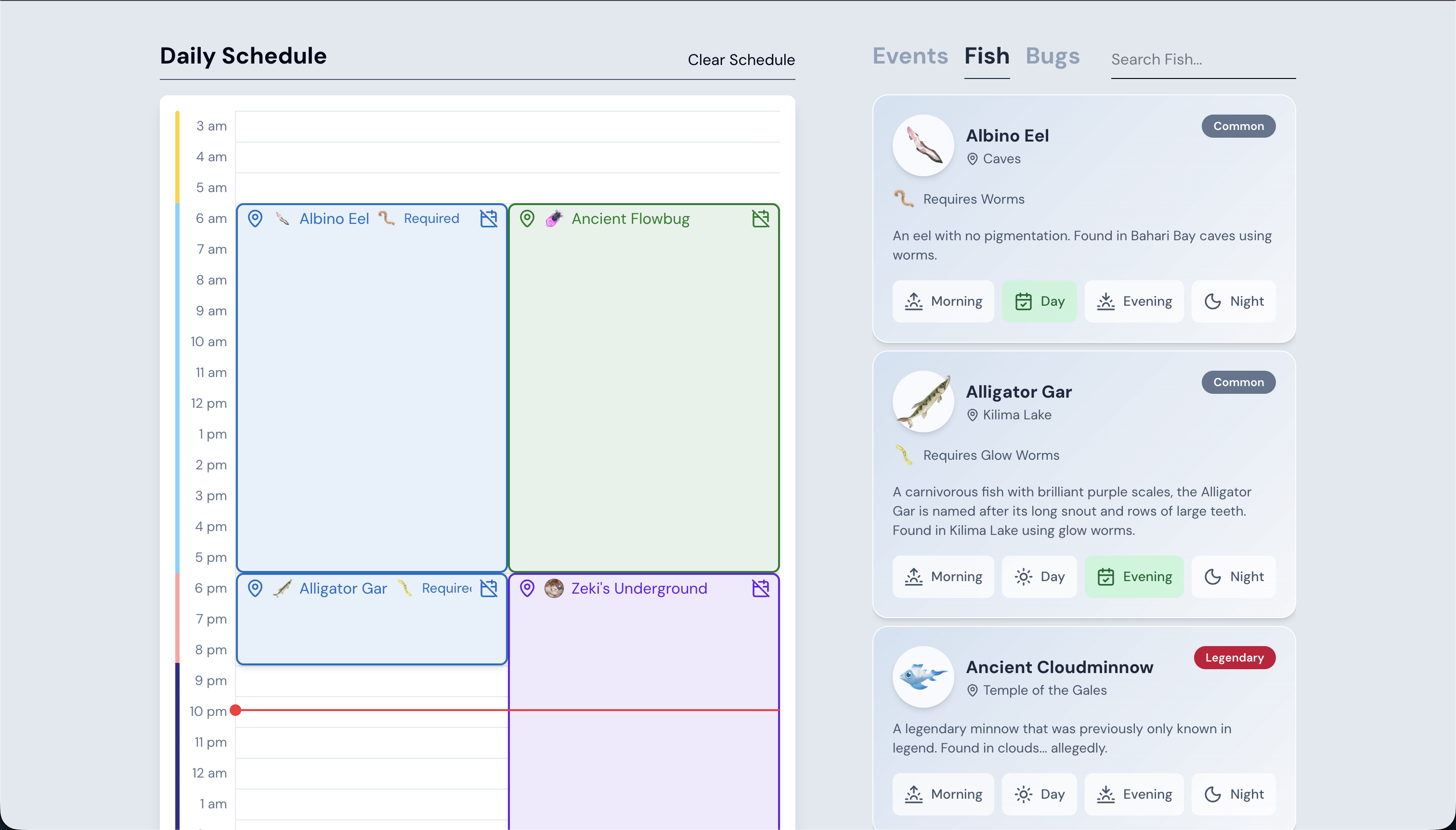
Users find an activity in the list and select a time of day that the activity is available to add to the schedule.
Locations
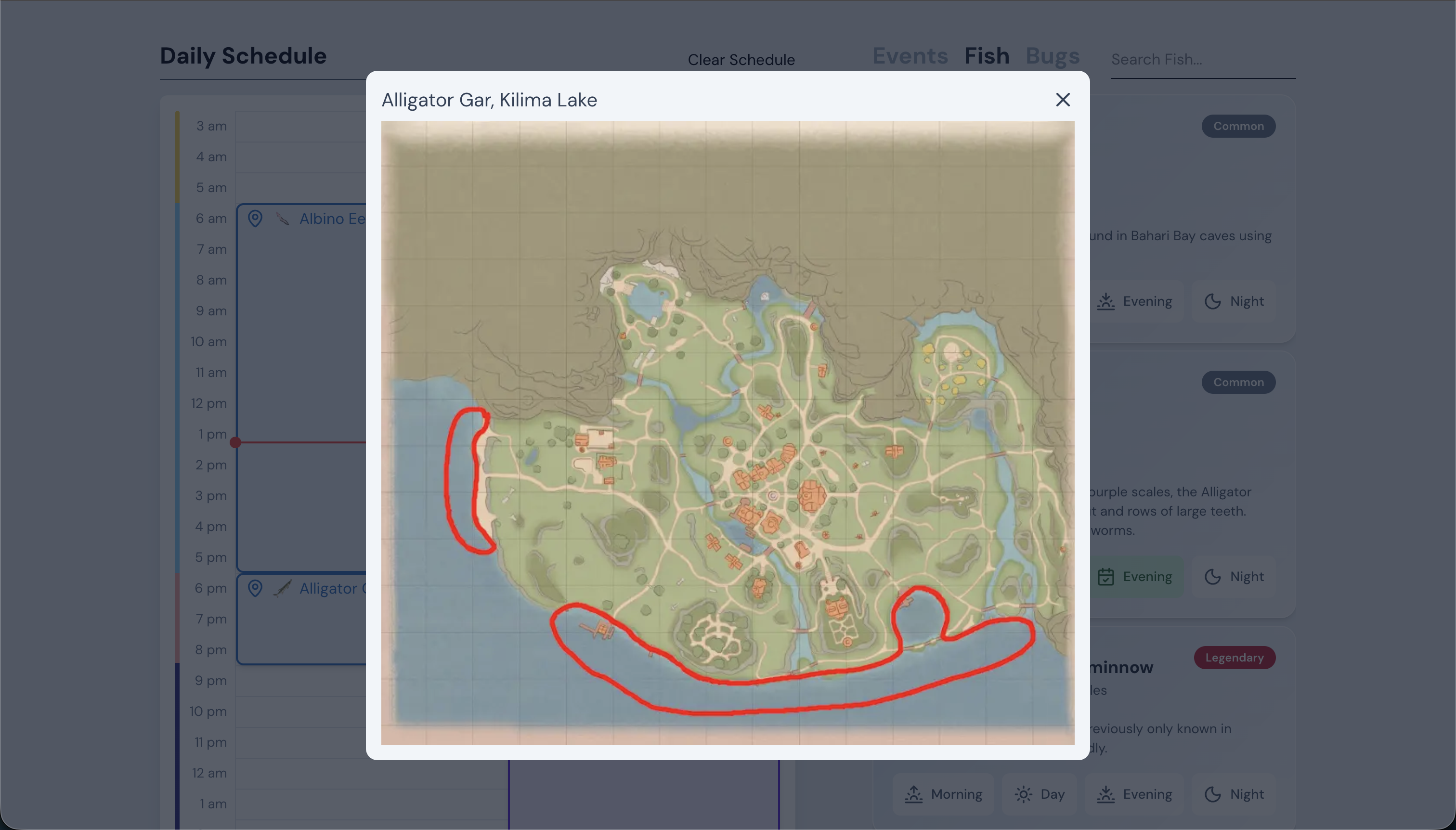
All activity locations can be viewed by clicking the map pin button on either the schedule item or list item.
Notifications
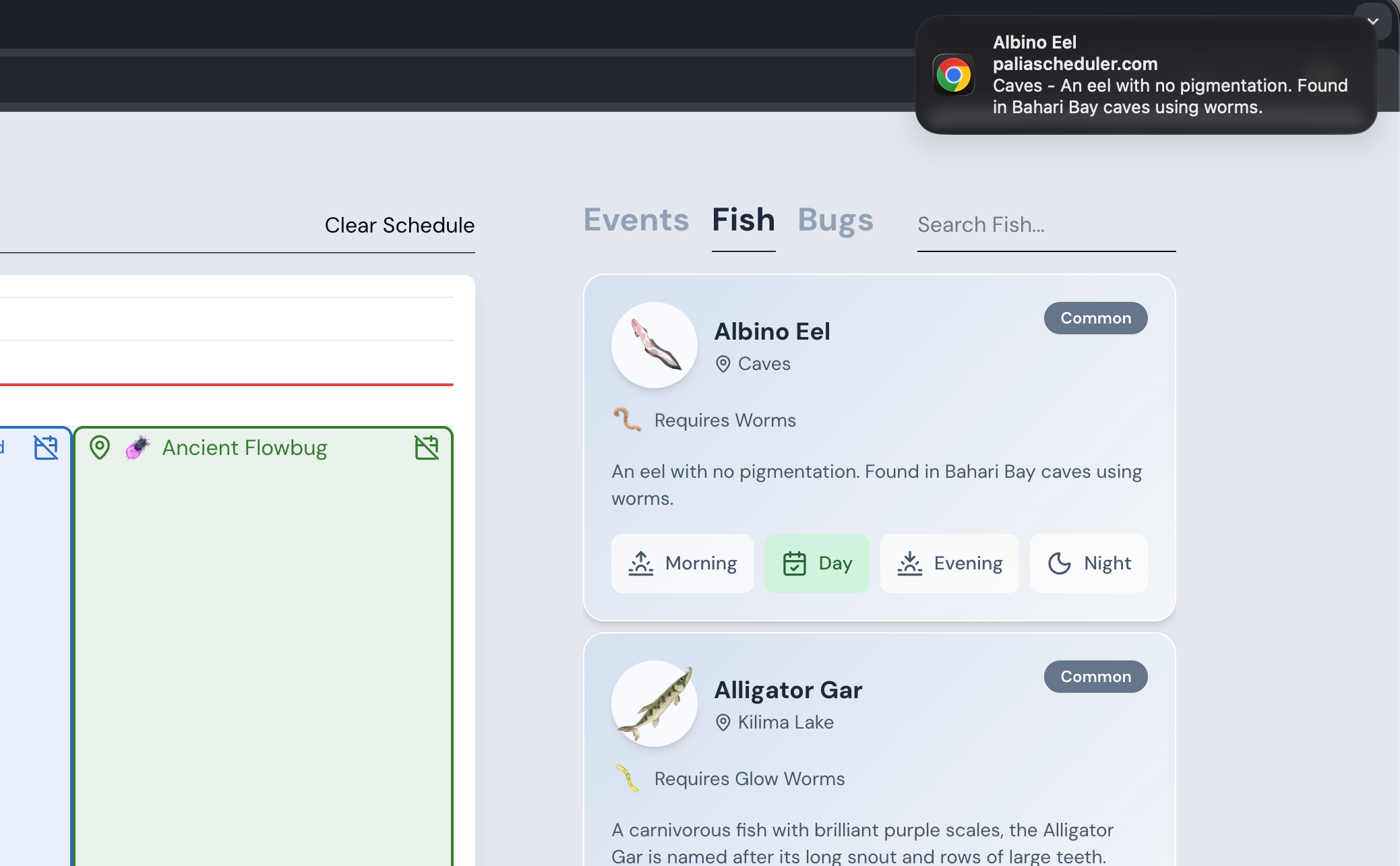
If the user has notifications enabled, a browser notification is sent for every activity an in-game hour (2.5 real life minutes) before the activity goes live.
Technical Notes
Web Scraping
In order to collect all the data and images for the website, I downloaded the raw index.html file from the palia wiki site and used Python with BeautifulSoup to run a script which extracted the names, descriptions, locations, and image URLs. In the script, all the data was converted to a JSON object which is stored on the client. There are a relatively small number of activites and new ones don't get added frequently to the game so, I didn't see the need to create a script that scrapes and updates the data automatically or to store the data on a server.
Schedule Item Collision
One of the technical/design challenges I faced when developing the schedule component was how to render the items on the schedule which had the same start time. At first, I considered that if two items were scheduled with the same start time, the latest item scheduled by the user should replace the item already on the schedule. However, this ended up being too limiting and led to problems where a user could accidentally replace an activity they didn't want to, thus having to find it and reschedule it again.
With Google Calendar as a reference, I decided that items with the same start time should fit on the schedule side by side. To do this I switched from a grid layout to absolute positioning. Using absolute positioning meant that I had to calculate the position of each item instead of letting the Grid layout do the work but also meant that I now had the freedom to position the schedule items side by side. In order to calculate the position of each item, I created a Map to group each item with equal start times. Then for each group, I calculated their position and width based on the number of items in the group.
Optimizing list rendering
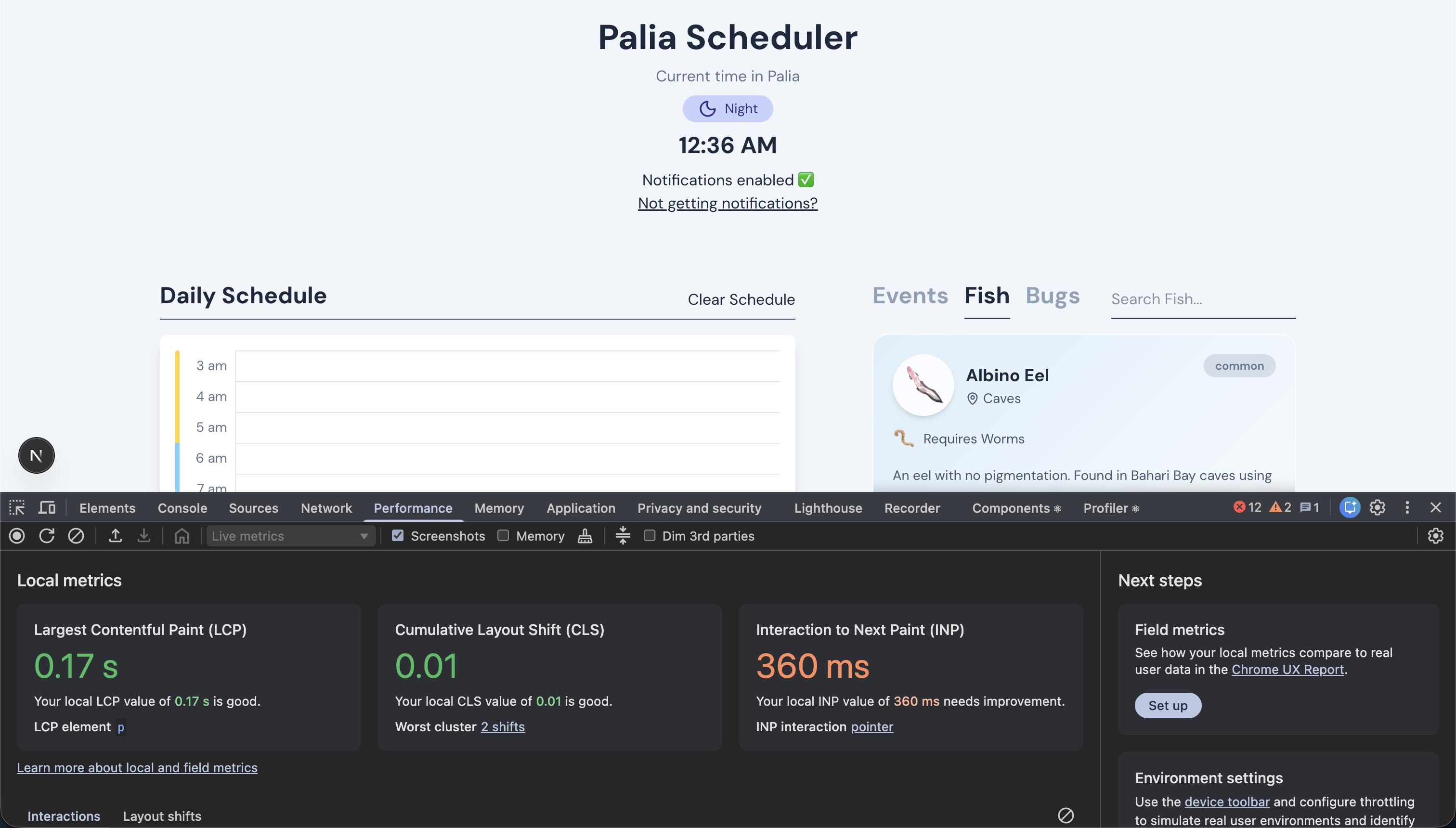
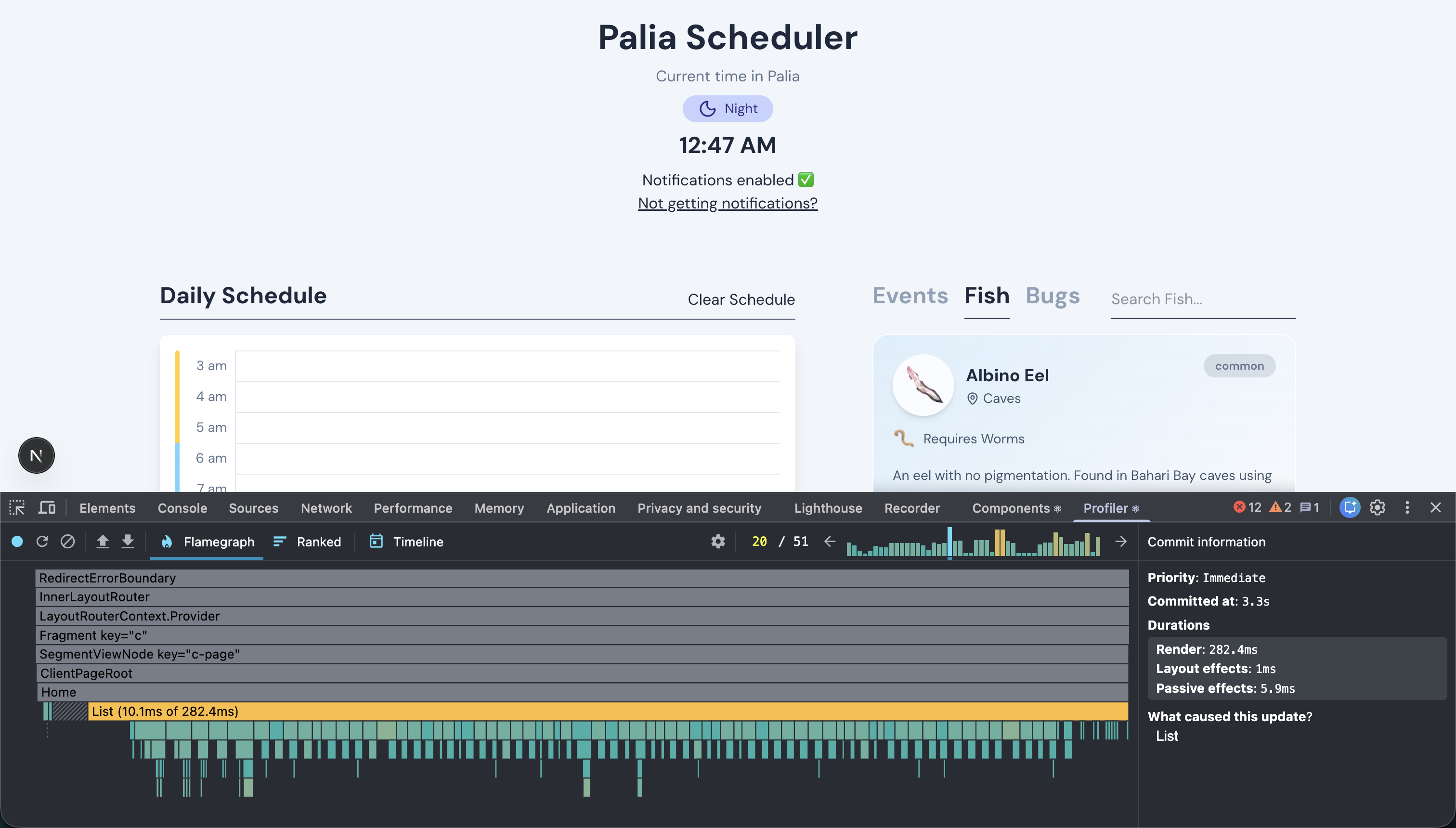
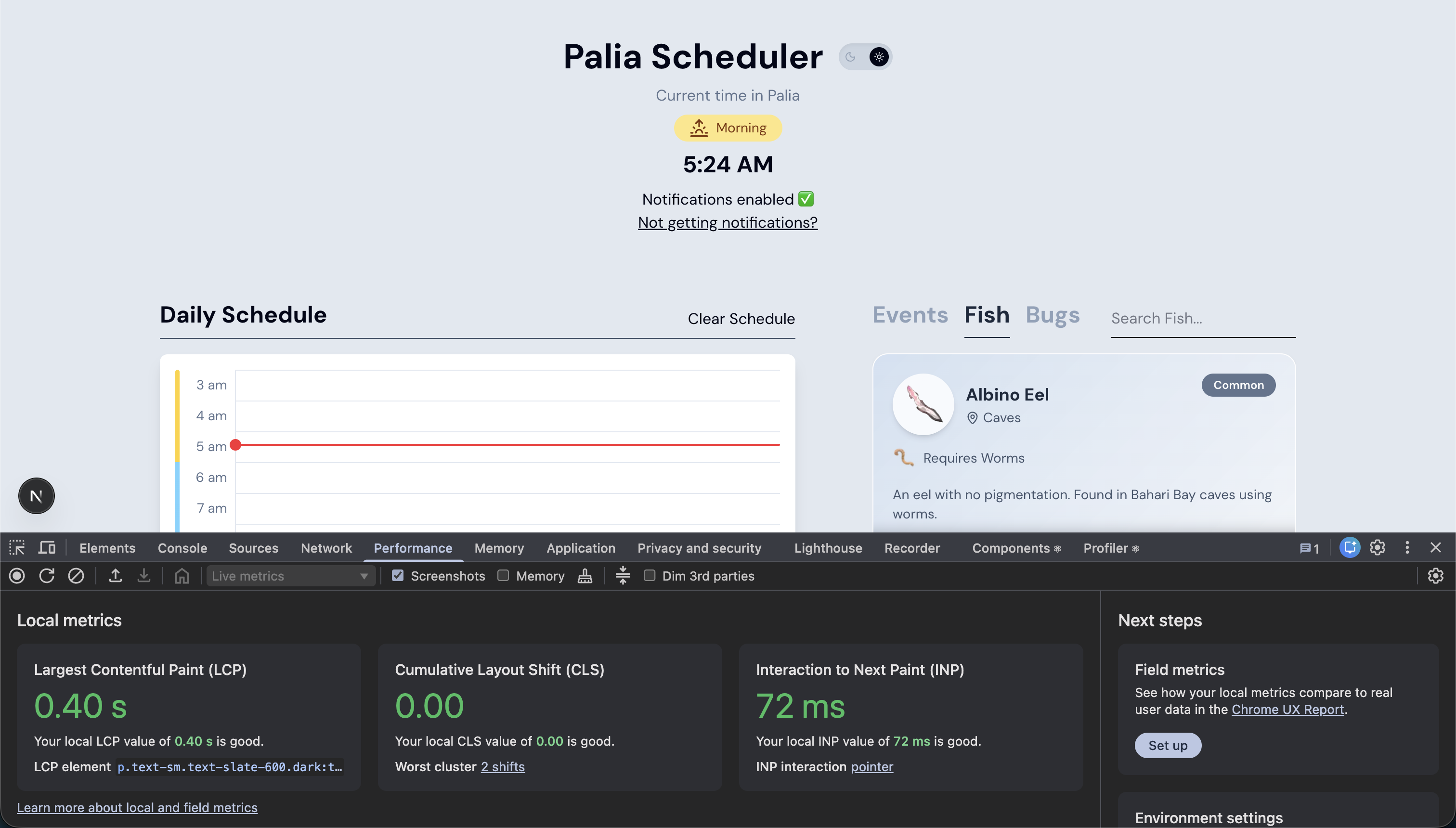
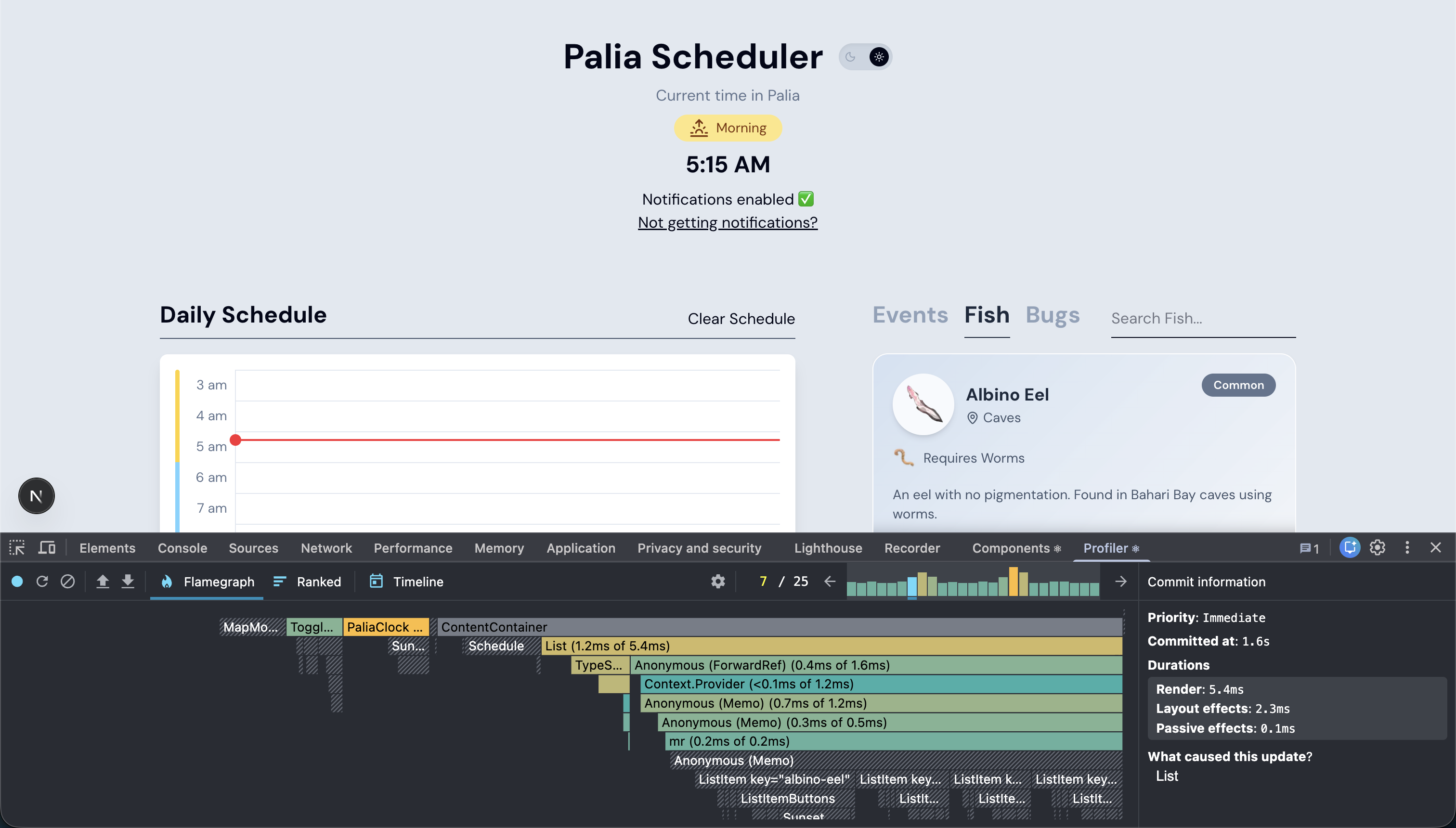
While checking the performance of the website during development I noticed that the list was taking too long to render, making the type select animation look choppy. I knew this poor render time was because I was rendering a list of over 100 components, each with images and child components. To improve the render time of the list, I used Virtuoso. Using Virtuoso allowed me to only render the list items in view, decreasing the list's render time by 98%.
Before
After
Handling IOS Notifications (In Progress)
After launching the palia scheduler, I noticed more users visiting the website on mobile devices, and more specifically IOS, than I had expected.
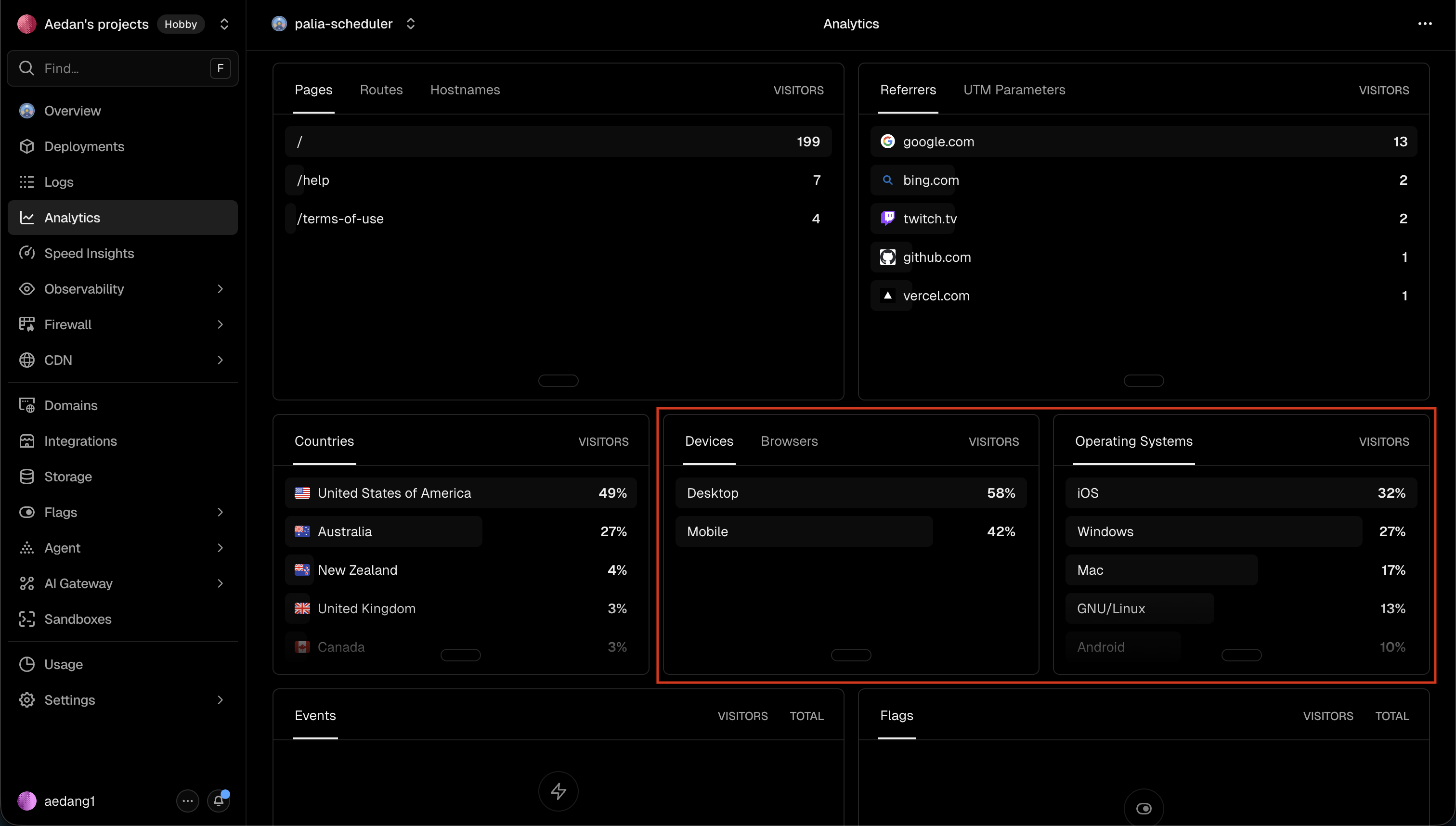
My initial assumption was that people would use the website on their desktops, maybe on a second monitor or in the background, while playing the game. However, Palia is cross platform and can be played on Xbox, PlayStation, Nintendo Switch, etc. Players using these platforms might find it easier to use the site on their phone while playing the game. Currently, IOS users aren't able to receive notifications from the website due to my implementation.
Enabling and sending notifications on IOS is different than enabling and sending notifications on a web browser as Apple requires notifications for IOS to go through the Apple Push Service. To do this, I'll have to use a server to handle sending notifications through APS. I am currently working on implementing this.